Malfermo: Ĉi tiu afiŝo enhavas filiajn ligilojn. Kiel Amazon Associate, ni gajnas el kvalifikaj aĉetoj sen plia kosto por vi.
If your desk looks like a nest of power cords, charging cables, and monitor wires, you’re not alone. Tangled cables aren’t just ugly, they snag when you move your chair, make it harder to add or swap devices, and turn a five-minute task into an afternoon of untangling. A proper cable management setup usually isn’t one product, it’s a small combination: something to hide the bulk, something to route individual cables, and something to bundle what’s left. Here’s what actually works.
Rapidaj Elektoj
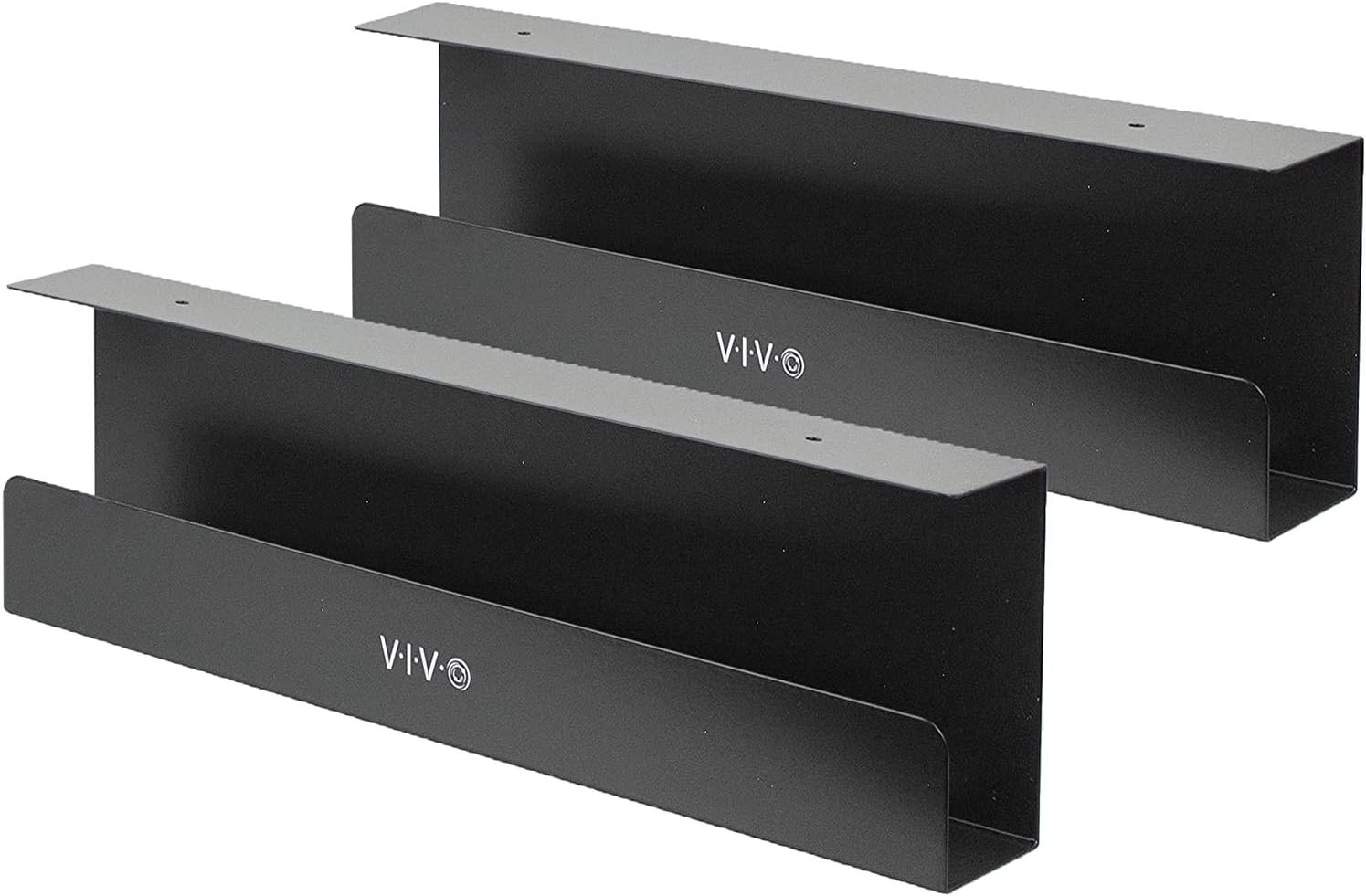
- Best Overall: VIVO Under Desk Cable Management Tray
- Best All-in-One Kit: N NOROCME Cable Management Kit
- Best for Wall-Mounted Monitors: Delamu Cord Cover Raceway
- Best for Standing Desks: Magnetic Cable Clip System
1. VIVO Under Desk Cable Management Tray — Best Overall

This is the tray recommended most often in desk setup communities, and for good reason. It’s a sturdy steel mesh basket that mounts under your desk with included screws, runs about 16 inches long, and holds a surprising amount: power strip, adapters, and cable bulk all in one hidden spot. It’s cheap, simple, and handles the large majority of the mess by itself.
Good for: anyone with a standard wood desk who wants one product that solves most of the clutter. Watch out for: it requires screwing into the underside of your desk, so it’s not ideal for rented furniture.
2. N NOROCME Cable Management Kit — Best All-in-One Kit

If you’re starting from zero and want to fix your entire setup in one afternoon, this is the kit to grab. It bundles cable clips, cable ties, self-adhesive mounts, cord organizer clips, and cable sleeves, essentially everything a first-time cable manager needs, in one box. At roughly 130+ pieces for well under $20, it costs less than buying each item separately.
Good for: first-time cable managers who want one purchase that covers everything. Watch out for: individual pieces are less heavy-duty than dedicated single-purpose products.
3. Delamu Cord Cover Raceway — Best for Wall-Mounted Monitors

If you’ve mounted a monitor or TV on the wall, you need a way to hide the cable running down to the desk or outlet, and this paintable channel does exactly that. Mount the base along the wall with the included adhesive, run your HDMI and power cables inside, then snap the cover on. Paint it to match your wall and the cable essentially disappears. It comes in a long run (around 157 inches), enough to cover most rooms with extra to spare.
Good for: hiding cables from wall-mounted monitors or TVs for a clean, finished look. Watch out for: adhesive mounting can damage paint on removal; renters should look for a screw-mount version instead.
4. Magnetic Cable Clip System — Best for Standing Desks

Standard cable trays and clips work fine on a fixed desk, but a height-adjustable desk moving up and down repeatedly turns a snagged cable into a real hazard, not just a mess. Magnetic cable systems solve this with clips, tracks, or modular channels that hold cables against the steel frame of your desk legs and simply let go as the desk moves. You’ll need clear space along the leg and a flat-sided steel frame for the magnets to grip properly.
Good for: anyone with a sit-stand desk who needs cables to move safely with the desk. Watch out for: won’t work on desks without an exposed steel frame for the magnets to attach to.
How to Choose the Right Cable Management Setup
- Think in layers, not one product. Most clean desks use a tray to hide the bulk, clips or raceways to route individual cables, and ties or sleeves to bundle what’s left. Trying to solve everything with one item usually leaves gaps.
- Fixed desk vs. standing desk. A screwed-in tray is fine for a desk that never moves. If your desk height-adjusts, use magnetic or slack-friendly systems instead, since rigid mounts can snag or pull loose as the desk travels.
- Renting vs. owning. Screw-mounted trays and adhesive raceways aren’t ideal if you can’t modify the desk or walls. Look for clamp-on trays and screw-mount (rather than adhesive) raceway versions instead.
- Measure before you buy. Check the length of your desk and the clearance under it before ordering a tray, and measure wall runs before ordering a raceway. Most returns in this category come from buying the wrong size.
Oftaj Demandoj
Where should I start if I have zero cable management right now? Start with an under-desk tray for the bulk (power strip and adapters), then add basic adhesive clips to route the cables you use most often. That combination solves the majority of visible clutter for under $30 total.
Do I need special tools to install a cable tray? Most trays come with the screws and a simple mounting bracket, and only need a screwdriver or drill. Clamp-on versions need no tools or drilling at all.
Will cable management damage my desk? Screw-mounted trays leave small holes in the underside of the desk, which usually isn’t visible day to day. If that’s a concern, clamp-on trays and adhesive clips avoid any permanent modification.
Fina Juĝo
For most desks, start with the VIVO Under Desk Cable Management Tray, it solves the biggest part of the problem on its own. If you’re setting up from scratch and want everything in one order, the N NOROCME kit is the better value. Add the Delamu raceway if you have a wall-mounted monitor, and switch to a magnetic clip system if your desk is height-adjustable. Combine a tray with clips or a raceway and most desks go from chaotic to clean in an afternoon.